
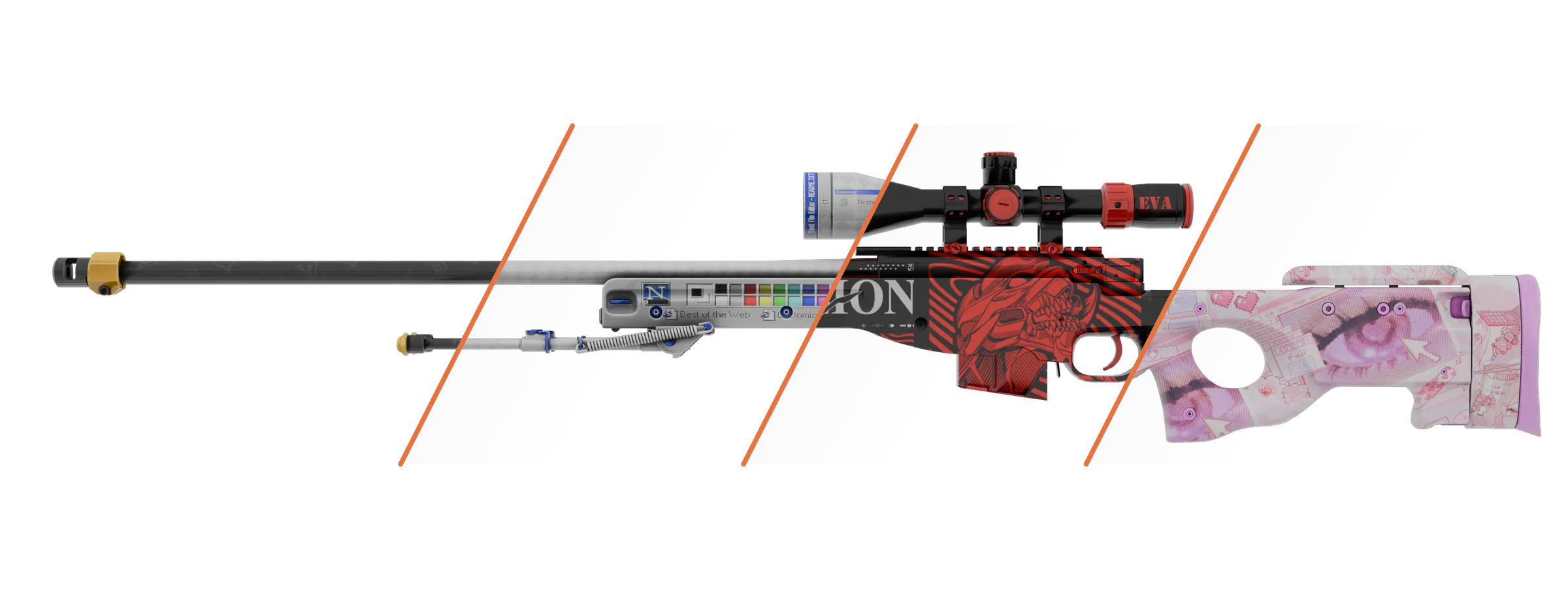
CS2 skin changer download
The latest version for Windows PCs - one file, no installer. Get it in your account, build your inventory on the site and join CS2 with your own skins. No card needed.
Windows 10 and 11 · 64-bit · no install · free
Where to download a skin changer for CS2
The official Spurdo skin changer file (also searched for as an inventory changer) is only in your account on spurdoverse.app. The button appears right after you sign up by email or through Steam, and it always gives you the latest version.
What you need to run it
- System
- Windows 10 or 11, 64-bit - the same as CS2 itself requires
- Game
- CS2 installed through Steam
- Account
- A free account on spurdoverse.app - it stores your inventory
- Permissions
- Run as administrator
- Internet
- Needed the whole time you play: the program stays connected to our server
- Not supported
- Windows 7 and 8.1, macOS, Linux and Steam Deck
Virus-free download - only from your account
We do not post the program on torrent sites, forums or third-party Telegram channels. An archive named Spurdo that is handed out “no sign-up needed” was not built by us and could contain anything. The only official sources are the spurdoverse.app website, the @spurdoverse Telegram channel and our Discord.
What the program changes in the game is covered in our CS2 skin changer overview. What you get without paying is on the free version page.
Antivirus deleted the program? What to do
Windows Defender and other antivirus tools sometimes flag the file as suspicious. The program runs alongside the game process and is not signed with a certificate from a major publisher - heuristics react to exactly those traits, even when the file contains nothing harmful.
1. Create a separate folder
For example, C:\Spurdo. Keep the program only there so the exclusion does not cover any of your other files.
2. Add the folder to exclusions
Start → Windows Security → Virus & threat protection → Manage settings → Exclusions → Add an exclusion → Folder.
3. Download the file again
If your antivirus has already deleted the program, download it again from your account straight into this folder.
4. Check where the file came from
Only run what you downloaded from your account on spurdoverse.app. Not sure? Message support before running it.
There is no need to turn off your antivirus completely - an exclusion for one folder is enough. Other antivirus tools use similar names for this setting: “Exclusions”, “Trusted zone” or “Quarantine → Restore”.
Skin changer updates after CS2 patches
Valve updates CS2 regularly, and after a major patch the program may stop launching. Here is what happens next.
If a patch breaks compatibility
The program stops launching for a while. We post about it on the site and in the Telegram channel right away and bring it back as soon as it is fixed.
Updates itself
New versions arrive in the program automatically - no need to download the file from your account again.
Your inventory stays
Skins and their settings are stored in your account, not in the program file. After an update you will not have to rebuild anything.
How to install and use the skin changer
There is nothing to install: the file runs straight away. A couple of minutes more and you are in a match with your own skins.
1. Run as administrator
Put the file in the folder you excluded from your antivirus, right-click it and choose “Run as administrator”. Nothing needs installing.
2. Build your inventory on the website
In your account, pick skins for your weapons: 7 items work in game at once for free. Knives and gloves come with the subscription or free for 72 hours - details on the knives page.
3. Press “Load” and play
The program does the rest. Your skins show in your hands, when you inspect with F and in the game inventory.
Questions about downloading
Quick answers to what people ask before the first launch
How do I use the skin changer?
Build your inventory in your account on the site: pick a weapon, skin, wear and stickers, then save. Launch the program and press “Load” - CS2 opens with that inventory. To change something, open your account again.
Is the skin changer download free?
Yes. The download and 7 weapon skin slots are free with no time limit, and you do not need to add a card. Knives, gloves, custom skins, agents and an unlimited inventory are paid.
Can I download a skin changer with no ban risk?
No third-party software can promise zero ban risk, and we do not. The program changes only how items look, updates itself after CS2 patches and does not work on Faceit.
Why does my antivirus flag the file?
Heuristics react to programs without a major publisher signature that run alongside the game process. Add the program folder to exclusions and download the file again from your account - the steps are above.
Do I need to download the program again after a CS2 update?
No. The program updates itself and your inventory is stored in your account, so after a patch there is nothing to download again or rebuild.
What if the program does not start?
Check three things: running as administrator, the folder in your antivirus exclusions, and your internet connection - the program does not work offline. If it will not start after a CS2 patch, check the site or the Telegram channel for the fix. If all is fine, message support on Telegram or Discord.
Download and build your first inventory
Signing up takes a minute, and the file is one button in your account. Seven weapon skins for free, knives and gloves for 72 hours when you link Telegram.